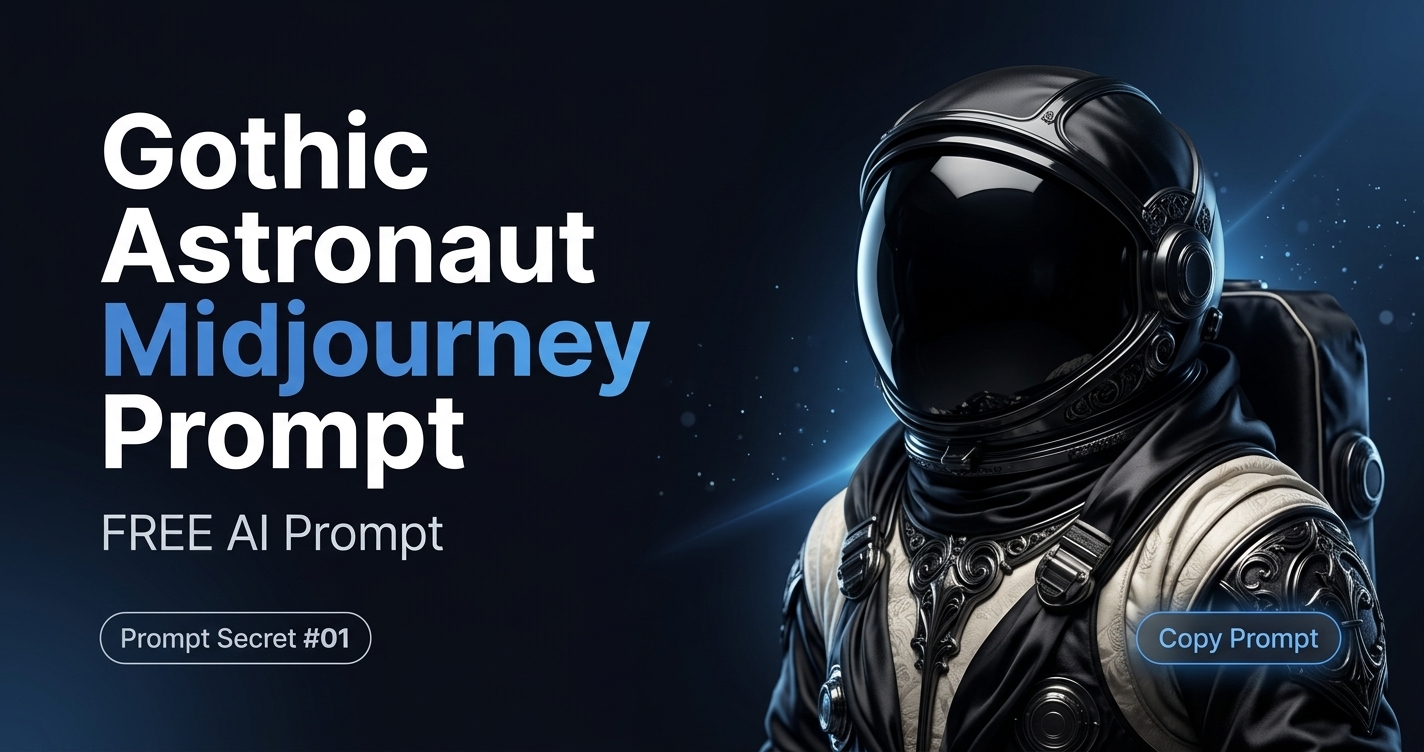
Create a Unique Blend of Science Fiction and Gothic Art
Combining futuristic space exploration with classic gothic aesthetics can produce some of the most visually striking AI-generated images. This Midjourney prompt mixes modern sci-fi elements with luxurious textures and dark artistic themes, creating artwork that feels both mysterious and elegant.
Rather than generating a typical astronaut illustration, this prompt focuses on atmosphere, materials, and lighting to produce a more cinematic result. The combination of black silk, ivory textures, and gothic styling gives the final image a dramatic appearance that works well for concept art, posters, wallpapers, and creative design projects.
Why This Prompt Produces Strong Results
Every word in a Midjourney prompt influences the generated image. Instead of relying on random descriptive keywords, this prompt carefully combines subject, artistic style, material, texture, and aspect ratio.
The result is a balanced composition where futuristic technology meets historical visual influences. This contrast creates artwork that immediately captures attention while remaining visually coherent.
Prompt Breakdown
| Prompt Element | Purpose |
|---|---|
| Astronauts with space helmets | Defines the primary subject and creates a science fiction foundation. |
| Gothic style | Adds dark architectural influences, dramatic mood, and elegant visual storytelling. |
| Silk | Introduces smooth fabric details with soft reflections. |
| Black shine | Creates luxurious lighting and deep contrast across the image. |
| Ivory texture | Softens the composition with warm highlights and refined surface details. |
| –ar 3:2 | Produces a balanced landscape composition suitable for wallpapers, banners, and digital artwork. |
Best Use Cases
This prompt works especially well for:
- Science fiction illustrations
- Book cover concepts
- Desktop wallpapers
- Digital posters
- AI art collections
- Social media artwork
- Creative portfolio projects
Ways to Customize This Prompt
One of the strengths of this prompt is how easily it can be adapted.
For example:
- Replace astronauts with knights for a medieval fantasy look.
- Replace gothic style with cyberpunk for a futuristic neon atmosphere.
- Replace black shine with gold reflections to create a more luxurious appearance.
- Experiment with different aspect ratios depending on where the image will be used.
Small changes can produce dramatically different artistic results while preserving the overall structure of the prompt.
Tips for Better Midjourney Results
For more consistent image generation, avoid adding too many unrelated keywords. Keeping the prompt focused usually produces cleaner compositions and stronger visual storytelling.
If you’re looking for additional variations, experiment with lighting conditions, camera angles, or different material descriptions instead of continuously adding new style keywords.
AI Prompt
Example Output
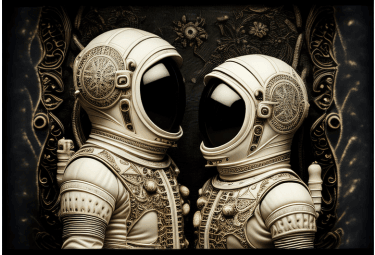
The image below was generated using the prompt shared on this page. Small adjustments to the subject, lighting, textures, or Midjourney parameters may produce different artistic results while preserving the same overall visual style.
Frequently Asked Questions
Can I modify this Midjourney prompt?
Yes. You can replace the subject, artistic style, textures, colors, or lighting while keeping the overall prompt structure. Small adjustments often produce completely different visual results.
What does the “–ar 3:2” parameter mean?
The –ar parameter sets the aspect ratio of the generated image. A 3:2 ratio creates a balanced landscape composition that’s suitable for wallpapers, banners, and many digital design projects.
Will this prompt work with the latest Midjourney version?
Yes. The prompt uses standard Midjourney syntax and can be used with current versions. You can also experiment with additional parameters to match your preferred rendering style.
Can beginners use this prompt?
Absolutely. The prompt is simple enough for new Midjourney users while still offering plenty of room for customization as you gain more experience.